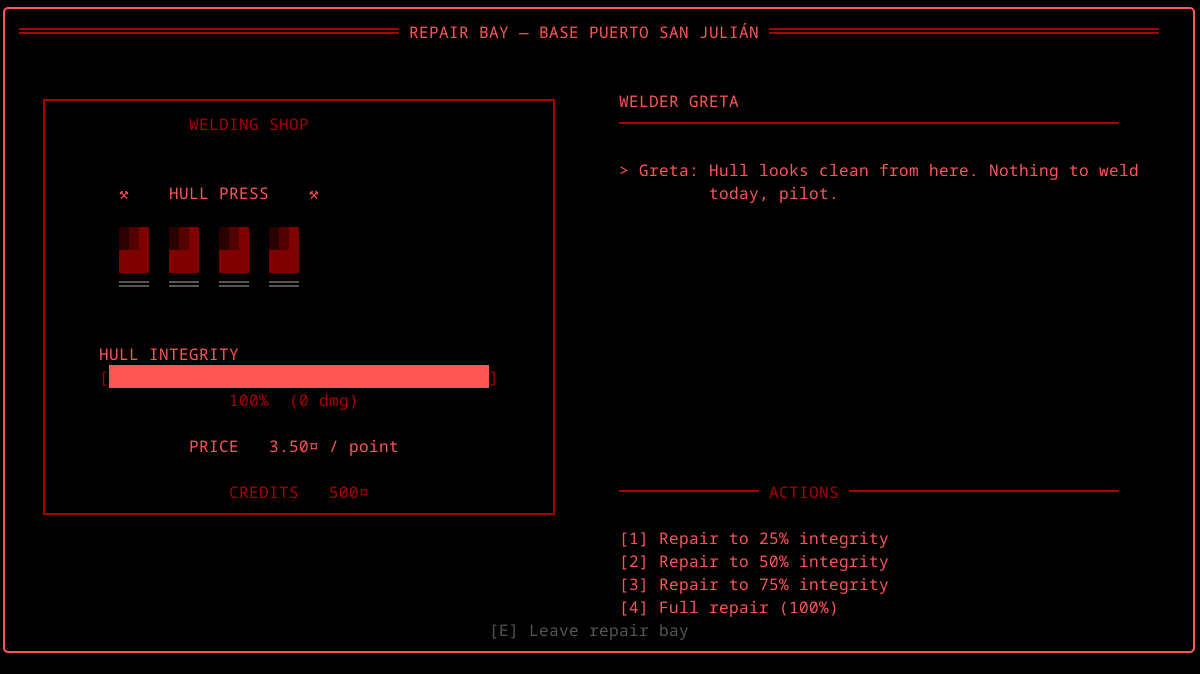
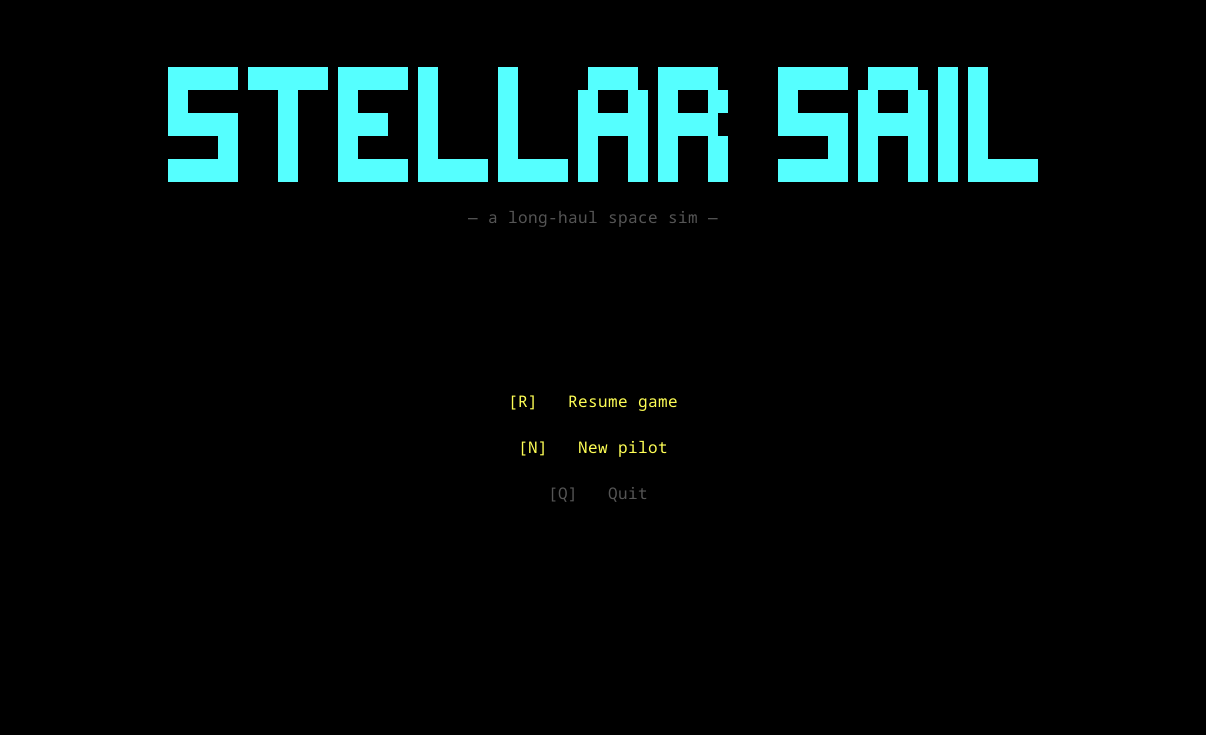
🚀 STELLAR-SAIL 🚀

Navigate the cosmos. Master the landing. Explore the unknown.

⬇ DOWNLOAD GAME

Current Version: 0.1.0 | Cross-platform | Auto-updates enabled

✨ Features

🎮 Controls

The game runs in modes — some keys do different things depending on which mode you're in.

Flight (default)
Shift+Z / Shift+XSwitch left panel: Engines / Ship Status
TTelescope on / off (also unlocks target)
LLock detected target / unlock
EnterToggle autopilot (when locked)
W / STelescope polar up / down
A / DTelescope azimuth left / right
, / .Frequency −1 / +1 MHz
1 – 6Toggle engine N on / off
Space (hold)Thrust
Backspace (hold)Brake
↑ / ↓Ship polar (non-AUTO mode)
← / →Ship azimuth (non-AUTO mode)
HHail locked station
IShow locked / detected object info
Shift+LBegin landing approach
EndQuit game
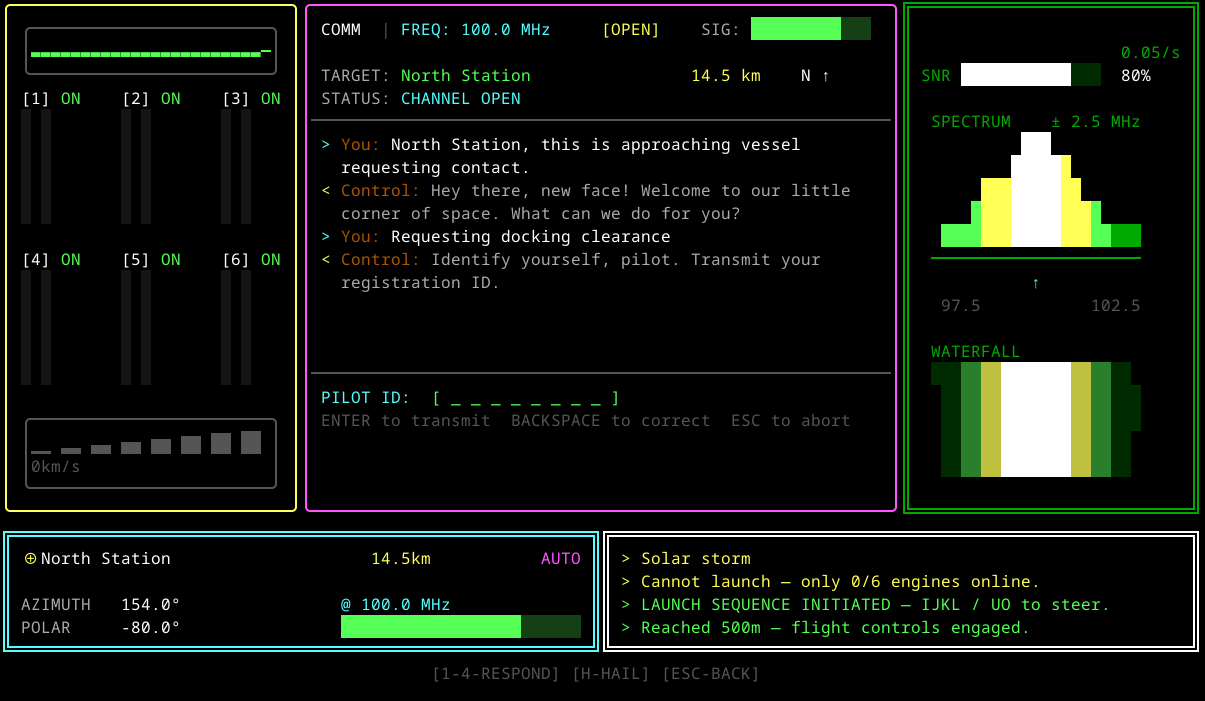
Communication
EscClose channel, back to Flight
HSend hail / answer incoming
1 – 4Pick dialogue response
Shift+LInitiate landing code entry (when cleared)
Landing-code entry
A–Z, 0–9Type a character (5 total)
BackspaceDelete last character
EnterSubmit code
EscCancel back to Communication
Landing
I / KForward / Backward (Y)
J / LLeft / Right (X)
U / OUp / Down (Z)
W / SPitch up / down
A / DRoll left / right
Q / EYaw left / right
EscAbort landing

💻 System Requirements

Windows: 10 / 11 (64-bit)

Linux: x86-64 or ARM64 (Raspberry Pi 4/5)

macOS: Apple Silicon or Intel

Runtime: bundled — nothing else to install.

⚠️ First Launch: Windows Defender may show a warning because the app isn't signed. Click "More info" then "Run anyway" to install.

This is safe - it's just because I'm an independent developer. If the game becomes successful I'll be able to afford the signing that costs $400/year.

Thank you so much for your support!
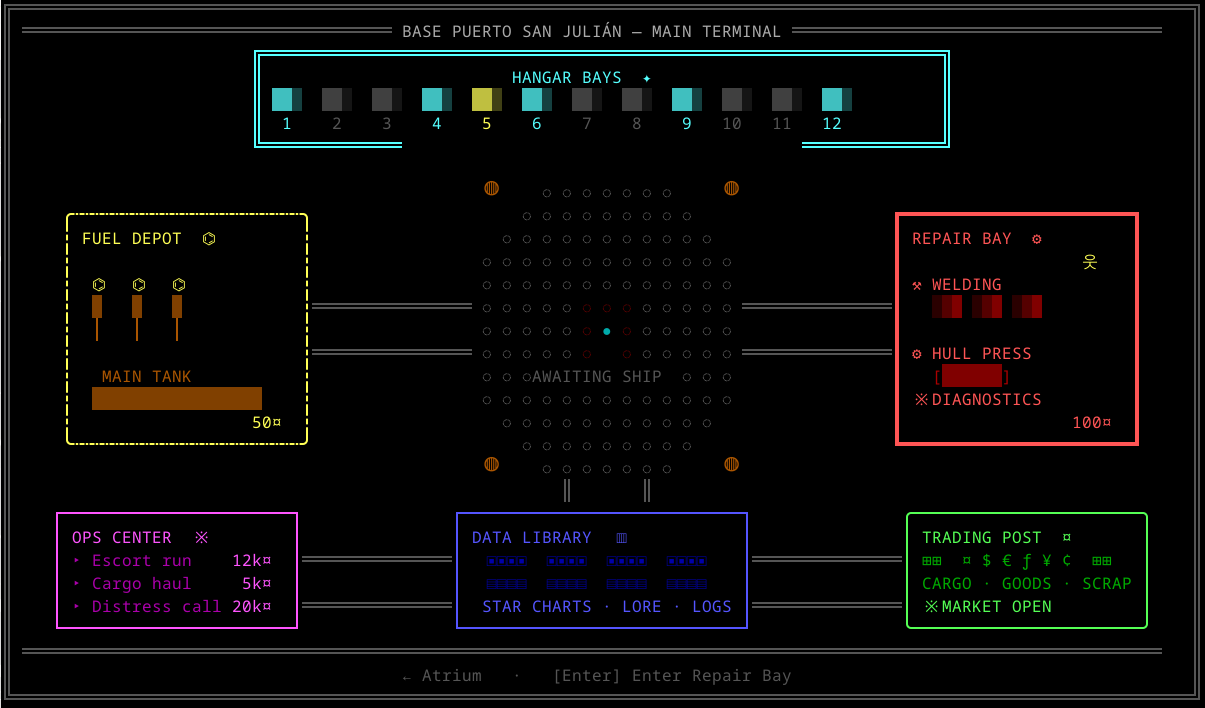
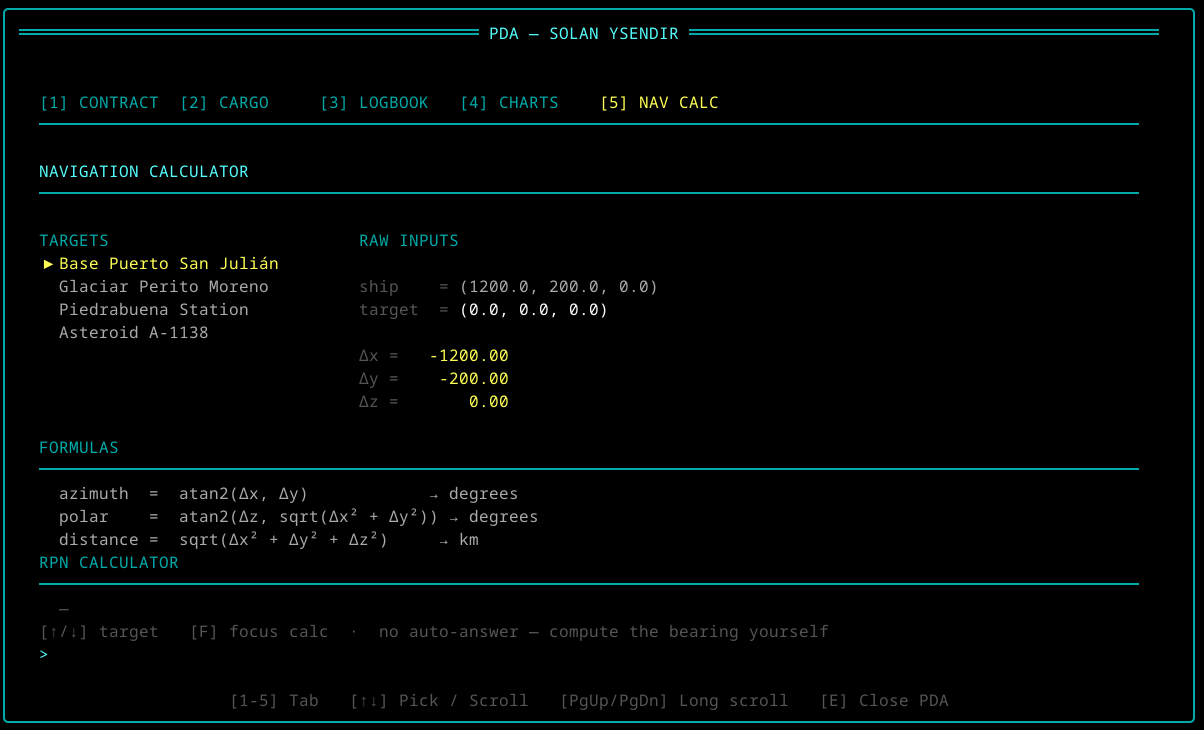
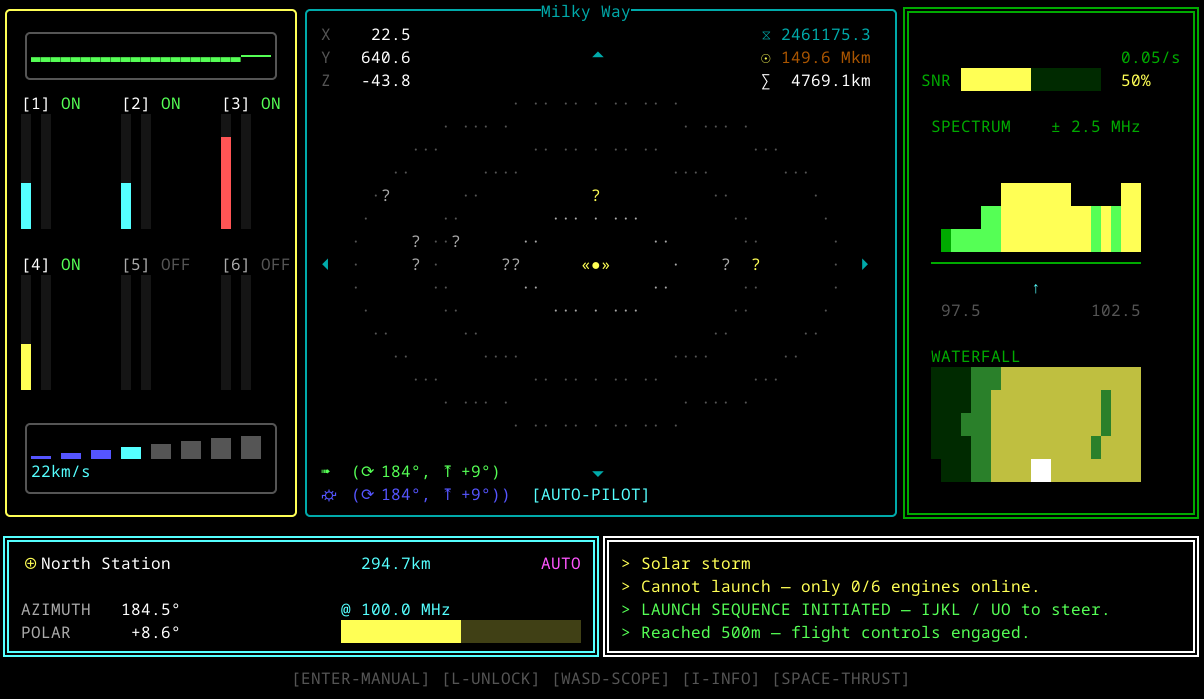
📸 Game Screenshots

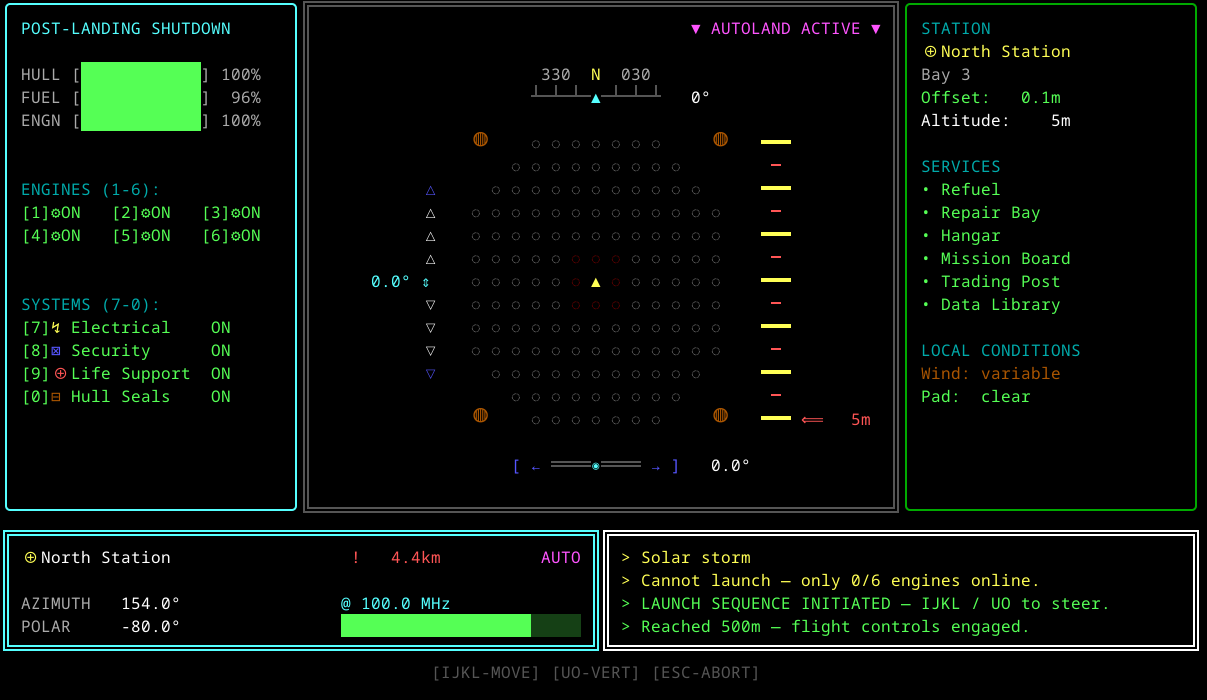
Launch Sequence
Launch Sequence Controls
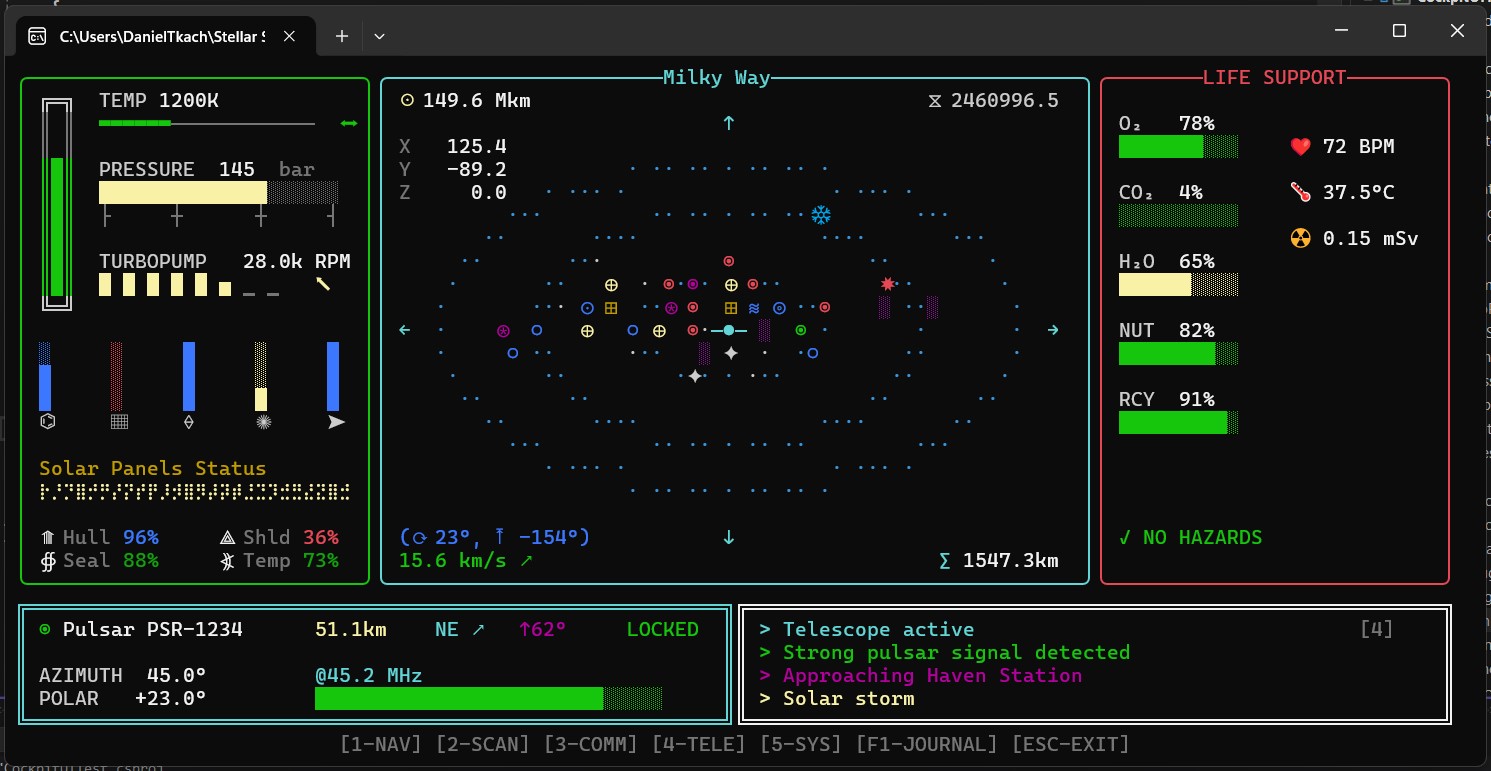
Navigating to Pulsar
Landing Sequence
Haven Station
Wide Cockpit

☕ Support Development

Enjoying Stellar-Sail? Your support helps keep this game free and enables future development!

☕ Buy Me a Coffee

Your contributions help me: